
The Barcode Looks Correct, but Identifies the Wrong Tin: Which File Should You Fix?
Updated:
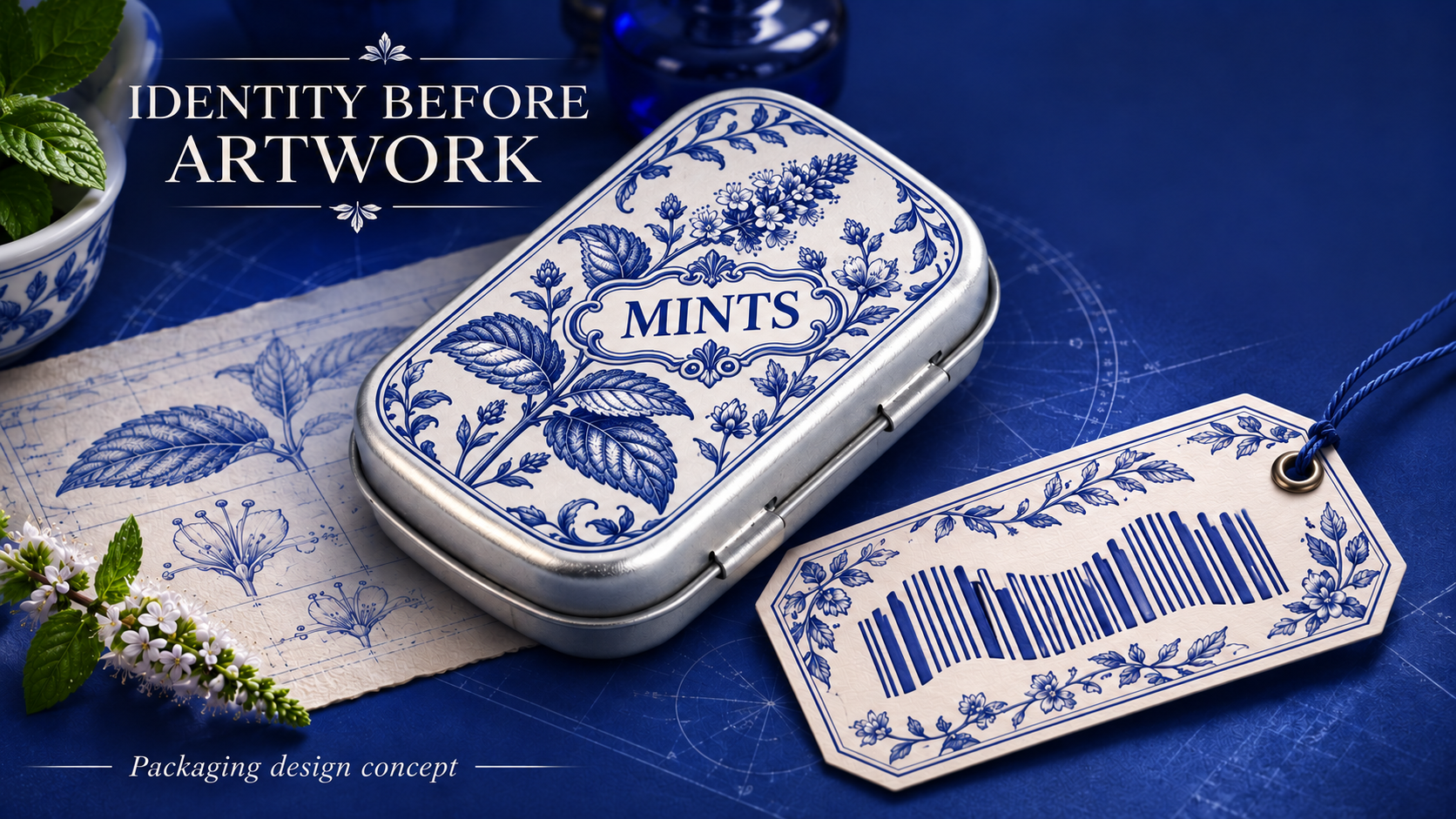

If the code resolves to another sellable item, return the identifier-to-item mapping to the data owner. If the mapping is right but the preview uses an older code, reconcile the artwork files. If both agree and only the finished mark raises concern, submit the actual decorated sample for the appropriate evaluation. A new screenshot solves none of those three questions by itself.
Compare identity before print appearance
Ask the commercial data owner to identify the intended sellable unit and supplied identifier. Compare that record with the artwork reference being reviewed. If the records disagree, keep the release question with the data owner; do not ask a printer to guess which item was intended. If the data matches but the graphic comes from another revision, reconcile the file set. If both agree and the concern arises on the decorated pack, define a review using the actual configuration. That last question needs relevant technical guidance, not an invented universal code size.
| Situation | Useful next step | Boundary |
|---|---|---|
| Data identifies another item | Correct the data-to-item relationship before new artwork | Keep the old and corrected records identifiable |
| Artwork carries an older graphic | Reconcile editable file and preview | Confirm the intended revision rather than replacing only a screenshot |
| Concern only on decorated pack | Ask for configuration-specific evaluation | Do not infer a scanner result from the digital preview |
Start with identity rather than appearance
Ask the brand or channel owner which sellable item the proposed code represents. Record the reference supplied by that owner without inventing a numbering scheme. If different artwork variants or assortments are treated differently by the commercial system, have the responsible person decide how those identities should be represented. The packaging supplier should not be expected to infer the correct data from a product name or marketing mock-up. Keep provisional data visibly provisional so it cannot quietly become the release reference.
Distinguish content approval from production preparation
A designer may place the supplied graphic in artwork, while another team owns its meaning. Record both responsibilities. Ask the packaging supplier which preparation and evaluation questions apply to the selected printing or labelling approach. Do not prescribe a universal code size, contrast threshold or scanner result without the relevant specification and review. Any required channel guidance should be supplied to the people reviewing the actual proposal. The deliverable is a traceable data-to-artwork relationship, not an unsupported claim that a code is readable everywhere.
Handle a mismatch as a release issue
In a hypothetical project, the spreadsheet names one item while the artwork preview shows a code supplied for another. Stop approval of the affected item and ask the data owner to identify the correct reference. Retain the discrepancy record so the correction is understandable. Do not simply replace the visible graphic and assume every file is now consistent. The editable artwork, preview and release record should identify the same intended data. Ask who is responsible for checking that relationship before the next stage.
What to send for the next proposal
Send intended item reference, supplied identifier, editable artwork revision and a photograph of the actual concern. Ask whether the proposed correction changes data, artwork or production preparation.
Can the supplier generate the barcode image?
Ask what service is available, but retain clear ownership and approval of the underlying data and the final artwork reference.